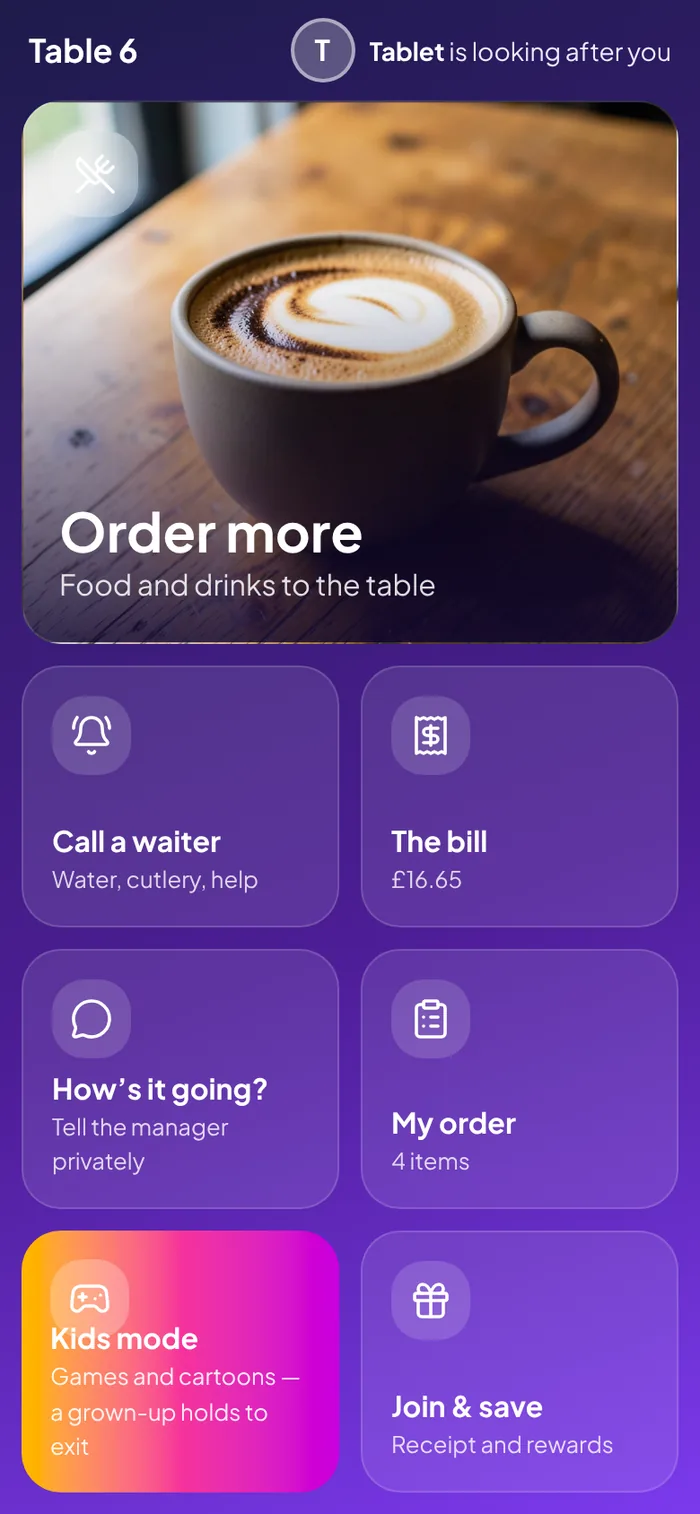
Every table gets a QR code. Guests use their own phones — no app — and everything lands on the same bill as your till and the tablet on the table.
Scanning before the table is seated shows a welcome screen; the menu opens as soon as your server seats them. Four people can scan the same table and order onto one bill without overwriting each other.
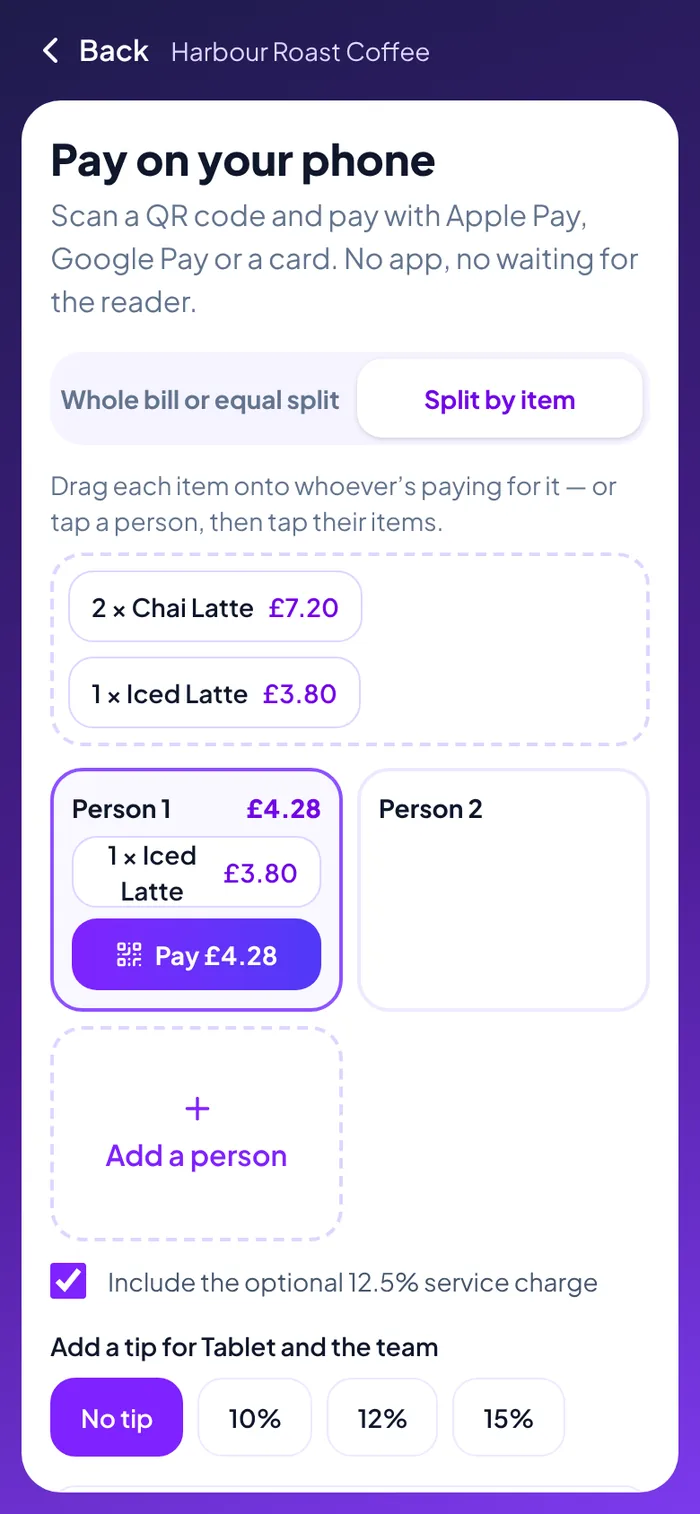
Each person scans a QR and pays with Apple Pay, Google Pay or a card. The table moves on by itself as each payment lands.
Split the bill evenly, or drag each dish onto whoever had it. Other people’s payments carry on while you split yours.
Guests can add a tip as they pay. It’s kept apart from the food and drink, with no VAT, and shown on your reports.
Guests can have the receipt emailed as they pay.
Guests who rate the visit 4 or 5 stars are asked for a review. Unhappy guests go straight to a manager instead.
Phones, the table tablet and the till all add to the same table. Prices and stock are always checked on the server.
Equally, by item, or a shared bottle across everyone — with the discretionary service charge shown separately. Each guest pays their part by card and the table closes itself when it’s settled.
Every restaurant gets a venue page with the live menu, booking and an optional sign-up. Point your guest Wi-Fi’s welcome page at it, put it on a window sticker, or link it from Google.
Sold-out dishes disappear everywhere at once — the till, the table QR, the venue page.
Into the same diary as your phone line and walk-ins.
Receipts and rewards, with marketing as a separate box that starts unticked.
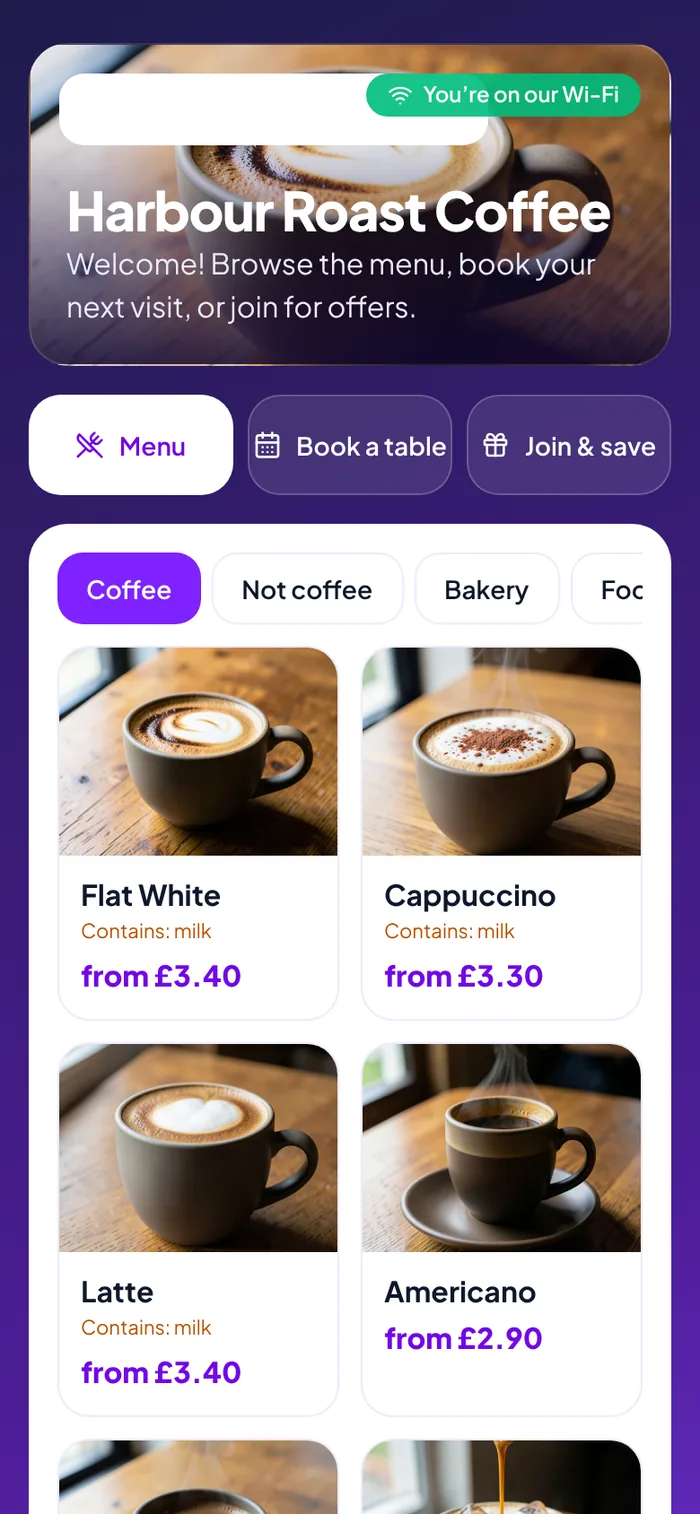
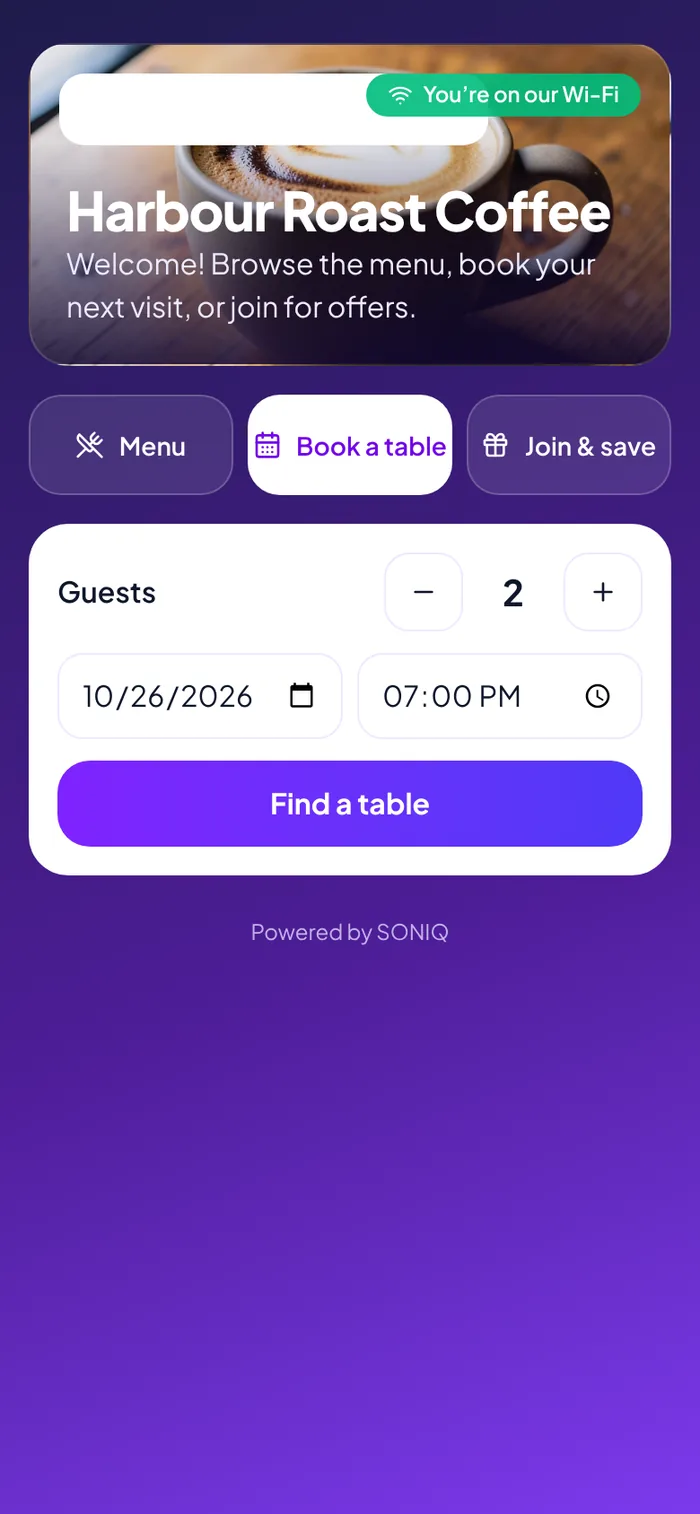
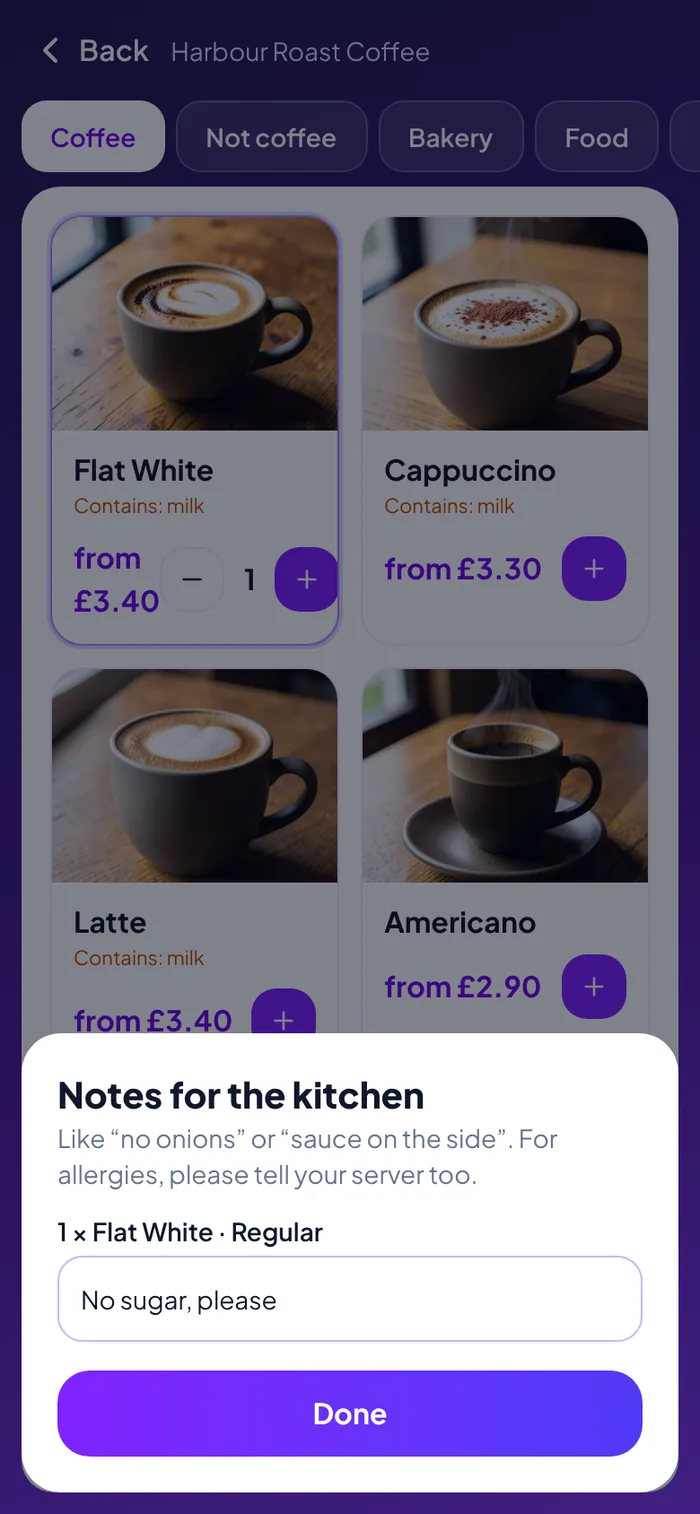
Table QR, kids mode, splitting, tips, kitchen notes, the server’s photo, sign-up and the review prompt are each switched on or off for your restaurant.
We’ll print a QR for a table in the demo and you can order and split a bill from your own phone.
 SONIQ Pay